
Your personal cookbook
Grandma's index card, the recipe note from the drawer, the favourite recipe from the web: with My Nom Nom Book it all lives in one place — written down neatly and easy to find again.
-

-

-



It is this easy
-

Take a photo
A recipe card, a cookbook page or handwriting — one photo is all it takes.
-
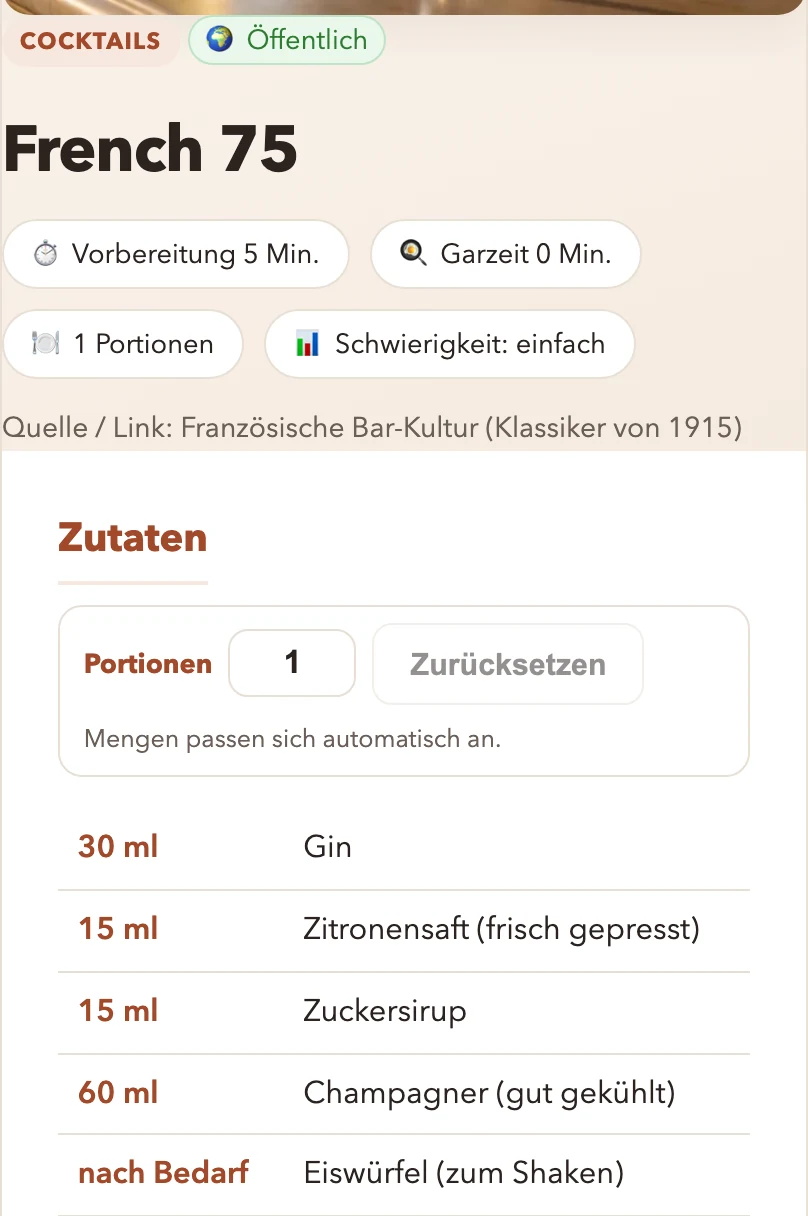
Nom Nom reads it
The AI assistant Nom Nom picks out the ingredients and the steps from your photo and writes them up neatly.
-

-
-
-
Saved in your cookbook
Done: the recipe is in your cookbook — with a category, timings and room for your own notes.
-


- Take a photo: a recipe card, a cookbook page or handwritten notes.
- Nom Nom reads the recipe for you — ingredients, quantities, steps.
- Saved in your cookbook. Done — and easy to find again.
What your cookbook can do
-

Collect and find again
All recipes in one place — searched by name, ingredient or category, found again in seconds.
-

Cook mode for the kitchen
One big step per screen, an ingredient checklist to start with, a progress bar to the end. The screen stays on while you cook.
-
Share — or keep it to yourself
Send a recipe to family and friends with a link. And you decide for every recipe yourself: public in the cookbook, or just for you and the people you give the link to.
-

Convert servings
From 4 to 6 people: the quantities come along — no mental arithmetic at the stove.
-

Allergies in view
Enter cow's milk, egg, nuts or soy once in your account — the AI assistant Nom Nom takes them into account when creating new recipes. On every recipe you can see what was considered.
-

Your cookbook as a PDF
Put your favourite recipes together as your own cookbook and export it as a PDF — to print, to file away, or to give as a gift. You decide the title, the order and the language.

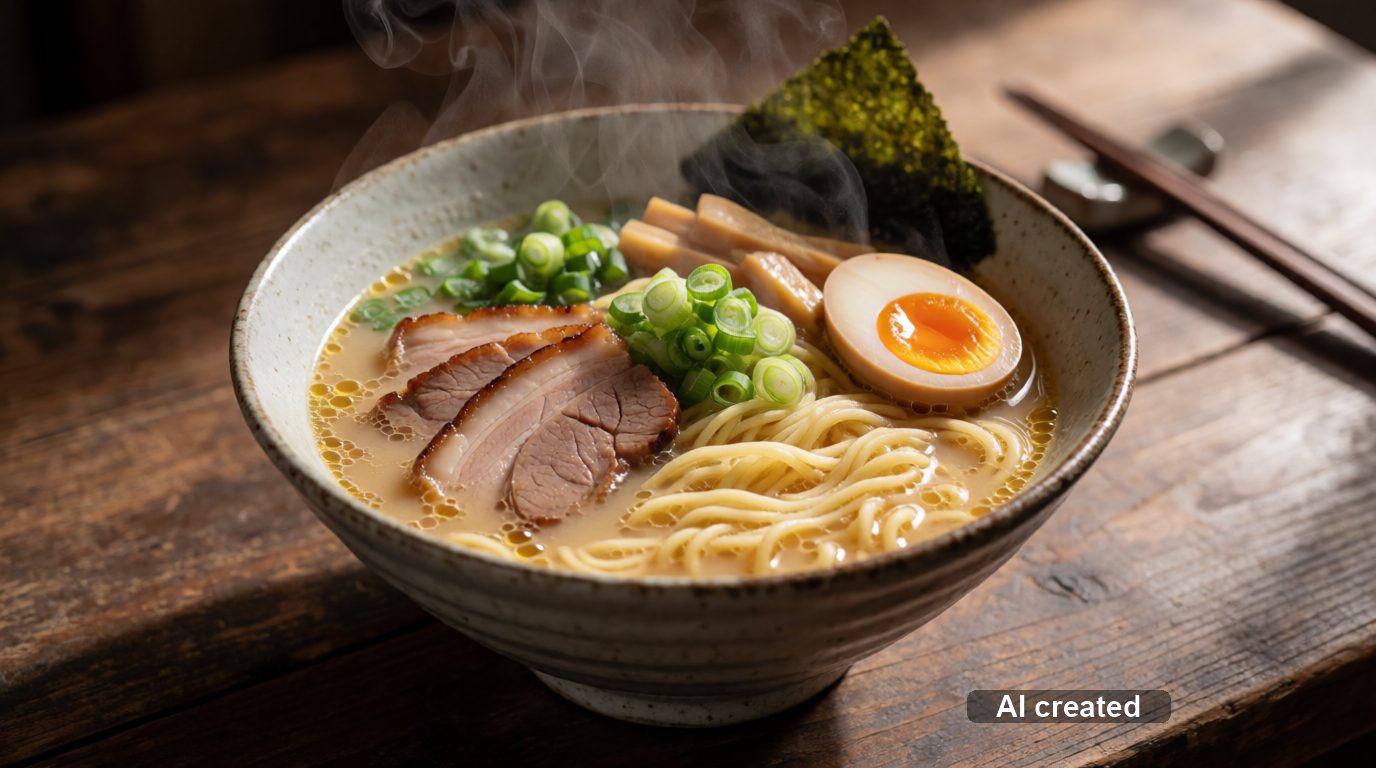
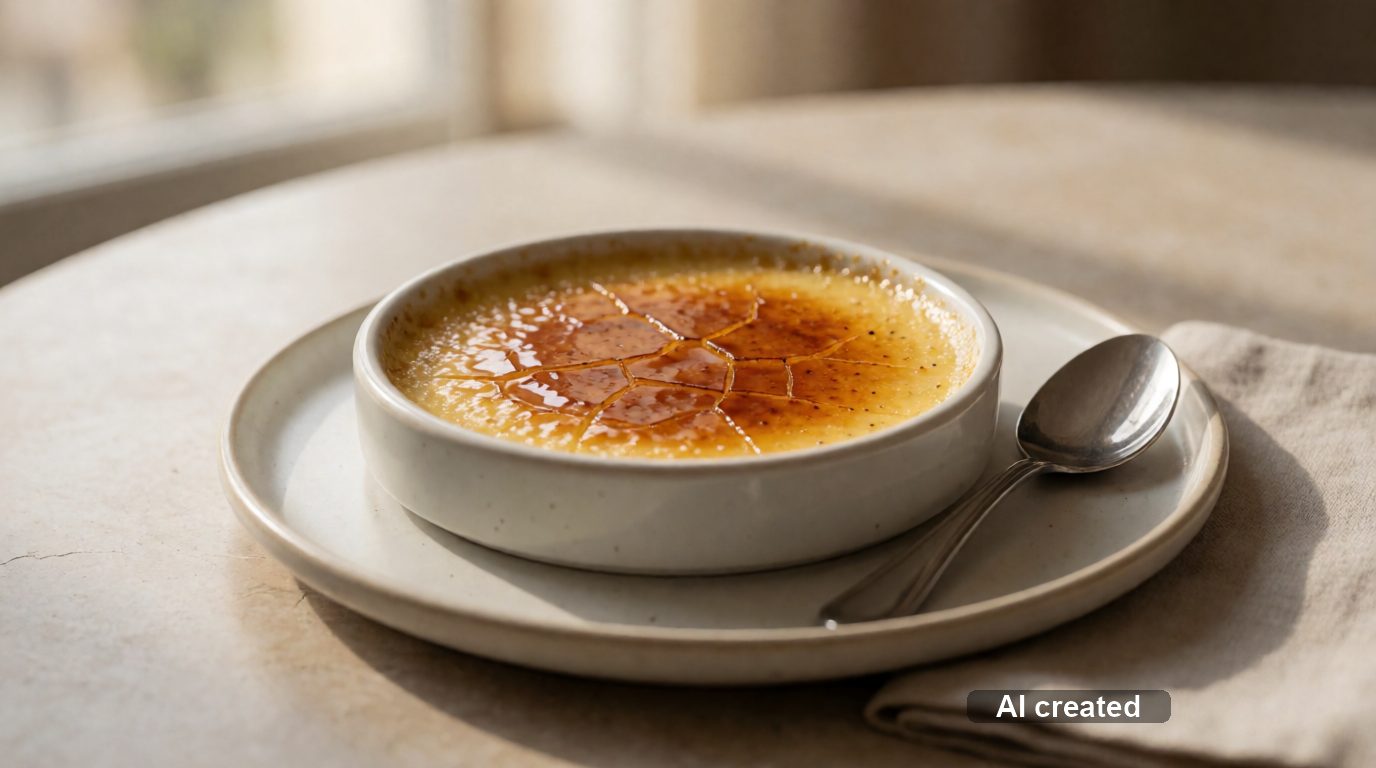
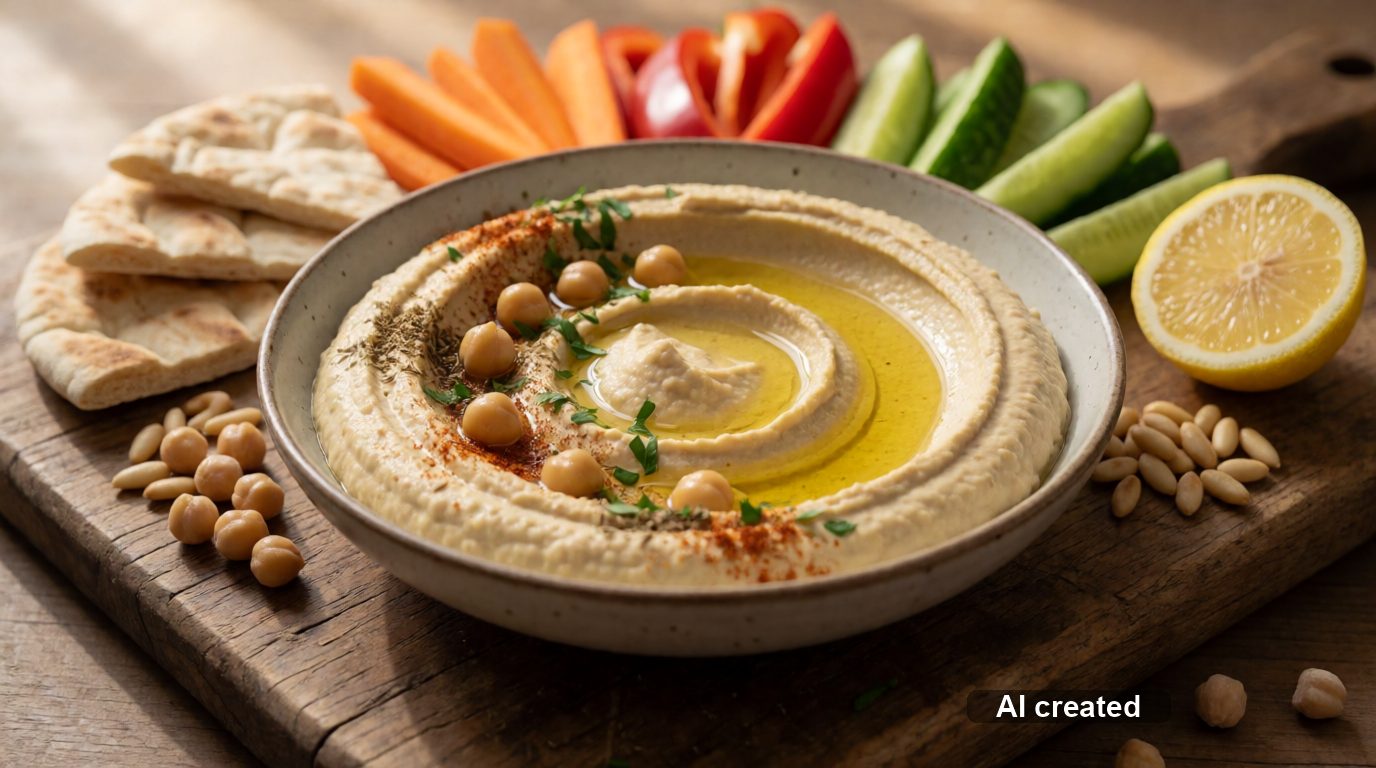
Take a look: three recipes from the cookbook
All three are public — you can read them without an account.


Make it easy for yourself
Create an account, photograph your first recipe, done — in a couple of minutes.
Create your accountPublic recipes are open to you at any time, no account needed.